
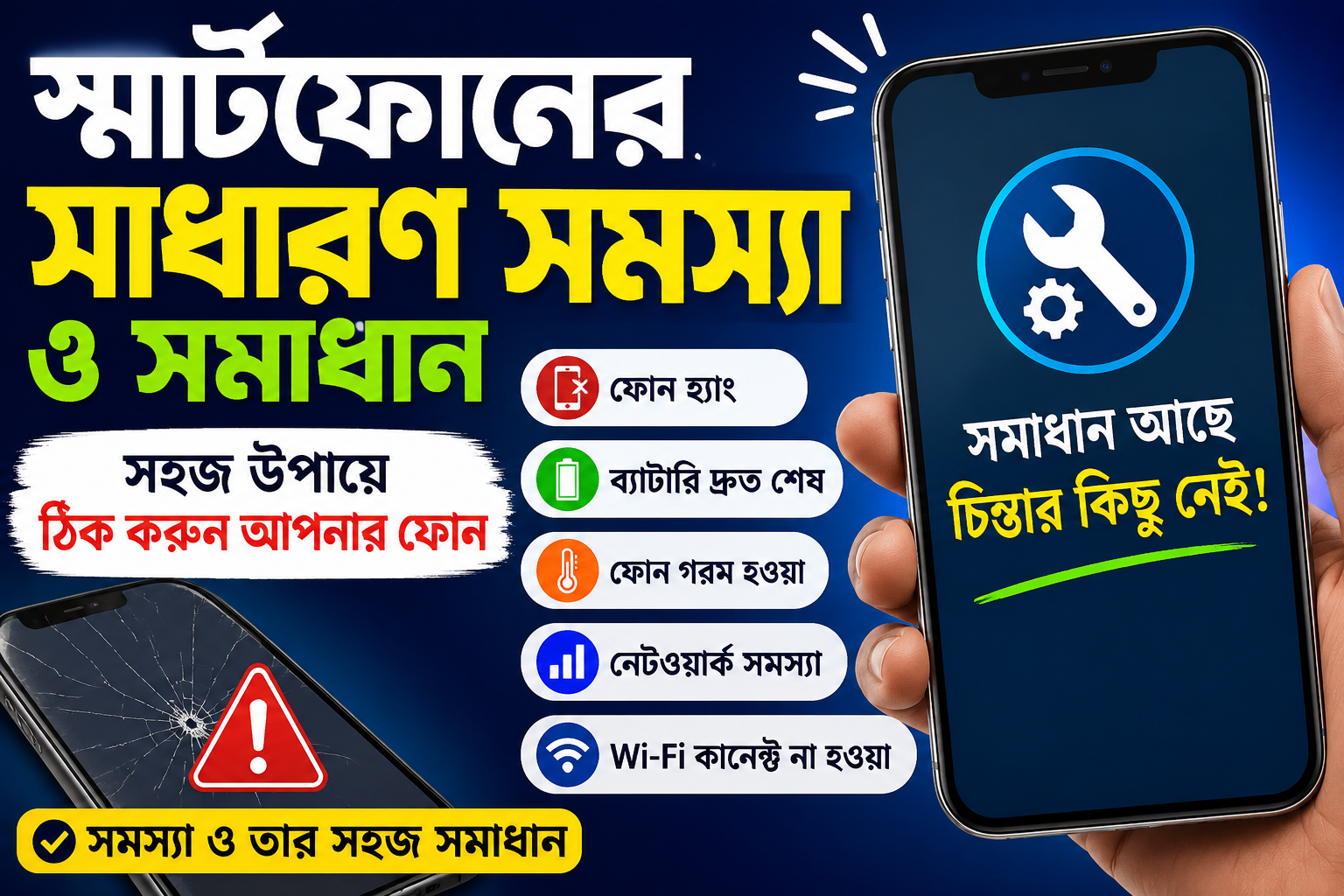
In today’s world, smartphones have become an essential part of our daily lives. From communication, work, education, and entertainment to banking—almost everything can now be done through a smartphone. Whether you use an Android phone or an iPhone, whether it is a budget device or a flagship model, every smartphone may face some common issues at some point.

Phone freezing, fast battery drain, overheating, network issues, or Wi-Fi connection problems can be very frustrating for users. The good news is that, in most cases, these problems can be fixed easily.
Top 10 Best Gaming Phones in Bangladesh – Best Choice for Mobile Gamers! 2026
In this guide, we will discuss the five most common smartphone problems and their effective solutions in detail.
1. Why Your Phone Freezes and How to Fix It
One of the most common problems Android users face is phone freezing or lagging. When your phone becomes slow or keeps hanging, it can make daily tasks very difficult.
Why Does a Phone Freeze?
Running too many apps at the same time puts extra pressure on RAM.
When the internal storage is almost full, the phone becomes slower.
Cache, cookies, and junk files reduce system performance.
Running heavy games or apps beyond the phone’s capability can cause freezing.
Solution
- Uninstall unnecessary apps.
- Keep at least 20% of your storage free.
- Regularly clear cache and junk files.
- Avoid running too many apps simultaneously.
- Restart your phone when necessary.
2. Battery Draining Too Fast
Many users complain that their phone battery drains very quickly even after a full charge. This is one of the most common smartphone issues today.
Why Does the Battery Drain Quickly?
Too many apps running in the background.
Keeping Mobile Data, GPS, and Bluetooth turned on all the time.
High screen brightness.
Using heavy games and apps for long periods.
Solution
- Check Battery Usage to identify apps consuming excessive power.
- Close unnecessary background apps.
- Keep Screen Brightness on Auto Mode or lower it manually.
- Turn off Bluetooth, GPS, and Mobile Data when not needed.
- Enable Power Saving Mode.
3. Why Your Phone Overheats and How to Fix It
It is normal for a phone to become slightly warm. However, if it becomes too hot to hold comfortably, you should take the issue seriously.
Why Does a Phone Overheat?
Playing games for long periods.
Overcharging.
Virus or malware infection.
High screen brightness.
Outdated software or apps.
Solution
✔ Unplug the charger once the battery is fully charged.
✔ Take breaks while playing games for long periods.
✔ Close unnecessary apps.
✔ Update your software regularly.
✔ Use a trusted antivirus app.
✔ Restart your phone to refresh system memory.
4. What to Do If You Have Network Problems?
If your phone suddenly loses network coverage, you may not be able to make calls or use mobile internet.

Possible Causes
✅ Dirt on the SIM card.
✅ Weak network coverage.
✅ Software issues.
✅ Faulty SIM card.
Solution
✔ Turn off the phone and clean the SIM card.
✔ Enable Airplane Mode for 30 seconds and then disable it.
✔ Restart your phone.
✔ Test the SIM card in another phone.
✔ Contact your mobile network operator if necessary.
5. Why Wi-Fi Won’t Connect and How to Fix It
Sometimes Wi-Fi connects, but the internet doesn’t work, or the phone fails to connect to the network altogether.
Possible Causes
✅ Router issues.
✅ Incorrect network settings.
✅ IP address conflicts.
✅ Software bugs.
Solution
✔ Restart both your router and smartphone.
✔ Forget the Wi-Fi network and reconnect.
✔ Turn on Airplane Mode for one minute and try again.
✔ Reset Network Settings.
✔ Update your router firmware if an update is available.
Additional Tips to Keep Your Smartphone Healthy
- Update your software regularly.
- Avoid installing unnecessary apps.
- Do not download APK files from unknown sources.
- Clean your phone at least once a month.
- Keep backups of your important data.
- Always use a high-quality charger.
Final Words
Small smartphone problems can sometimes become major inconveniences. However, if you know the real cause, most of these issues can be solved at home without professional help. Whether your phone freezes, the battery drains quickly, it overheats, experiences network issues, or fails to connect to Wi-Fi, following the solutions above will help you use your smartphone more efficiently, securely, and reliably.
Take good care of your smartphone by updating the software regularly, removing unnecessary files, and maintaining sufficient storage space. Doing so will help your device deliver smooth performance for a long time.








Leave a Comment